X-Plane 12 EFB on any screen
On Windows or Mac. Your plane on the airport map, departure and arrival procedures, the weather and checklists — on your phone, tablet or second monitor. Free.
easyefb.com/app
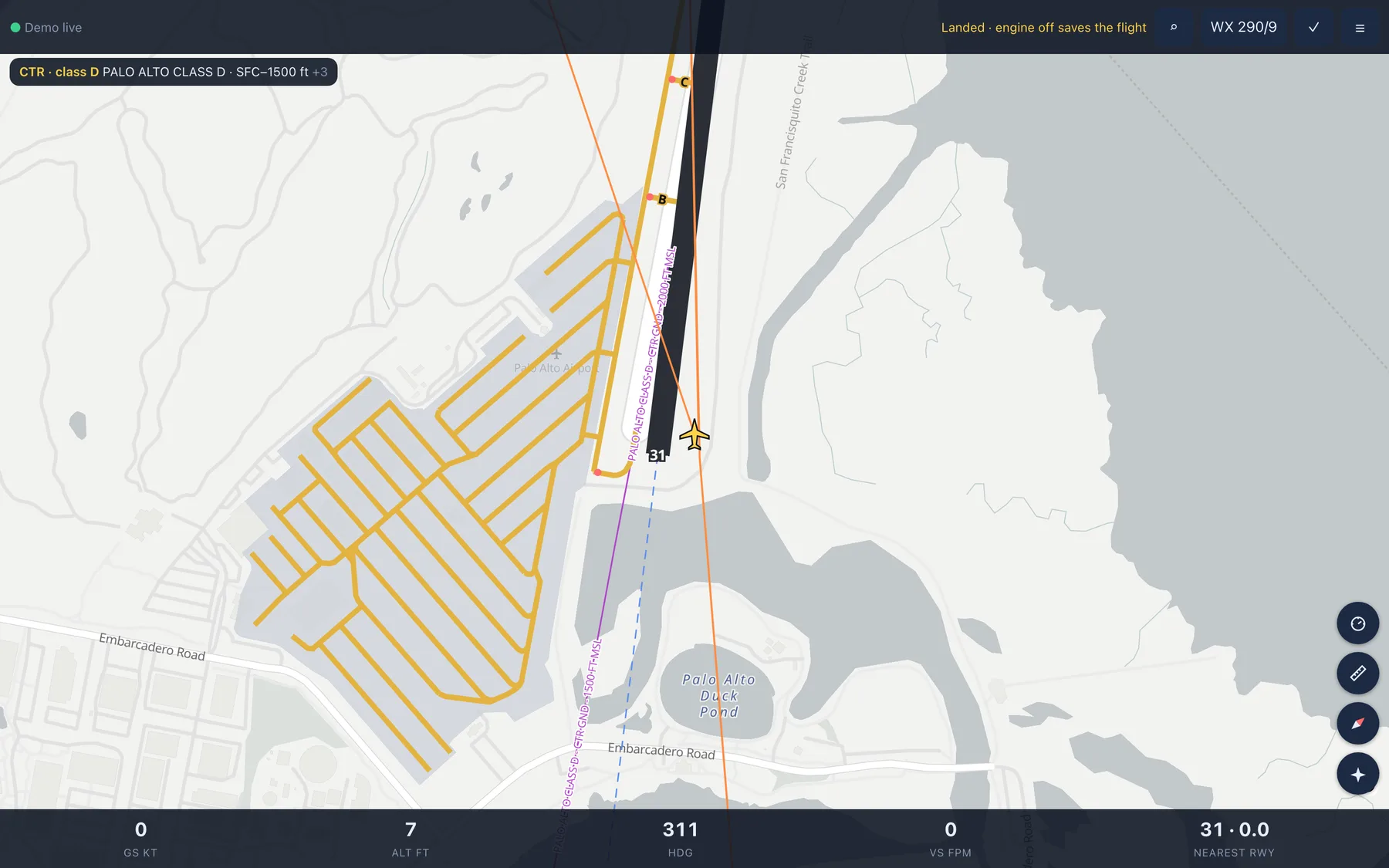
What it reads from X-Plane
- Your aircraft, live. Through X-Plane's own Web API. No plugin to install.
- Taxiways and gates from your scenery. From apt.dat, Custom Scenery first, so add-on airports look the way you fly them.
- SIDs, STARs and approaches on the map. From X-Plane's own navigation data, drawn on the airport map.
- Your aircraft's checklist. If the aircraft comes with a clist.txt (Xchecklist), EasyEFB shows it and ticks items from the sim.
- Cockpit, traffic and weather. Radios, altimeter next to QNH, fuel, autopilot; aircraft around you; the wind at your plane.
Set it up once
- 1Install the bridge on the computer that runs X-Plane, Windows or Mac.
- 2Open EasyEFB on your phone, tablet or second monitor and sign in.
- 3Confirm the bridge's code, then start a flight.
Questions
Which X-Plane?+
X-Plane 12.1.1 or newer — the bridge reads its Web API. We haven't tested X-Plane 11.
Does it work on a Mac?+
Yes. The Mac bridge (Apple silicon) is signed and notarized by Apple.
Do I need a plugin?+
No. The bridge only reads X-Plane's folder, for airports and procedures.